YEELIGHT AI ECOSYSTEM

Light that understands life

One request, grounded in your real home.

Yeelight connects lighting, spaces, and AI to create a home that responds. From setup and QR sign-in to the first lighting response, every step is visible and every control boundary remains clear.

Whole-home intelligence · Local runtime · Agent Skills · Cloud MCP

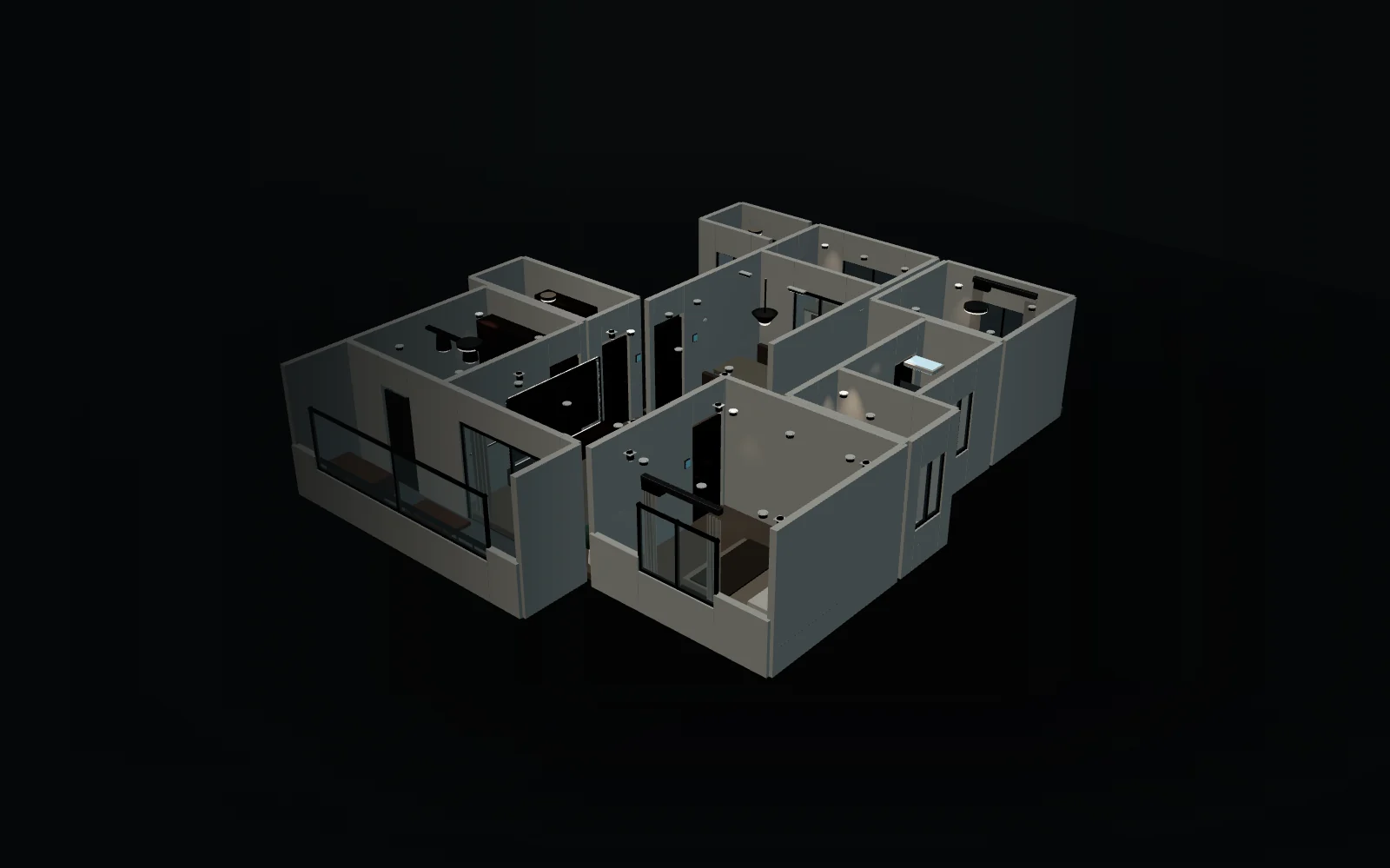
3D home controls

Drag to rotate · Command + wheel to zoom · Command + left-drag to pan · select a room or deviceDrag to rotate · Ctrl + wheel to zoom · Ctrl + left-drag to pan · select a room or device

Explore rooms

Drag to rotate · Command + wheel to zoom · Command + left-drag to pan · select a room or deviceDrag to rotate · Ctrl + wheel to zoom · Ctrl + left-drag to pan · select a room or device

From one request to a real lighting response

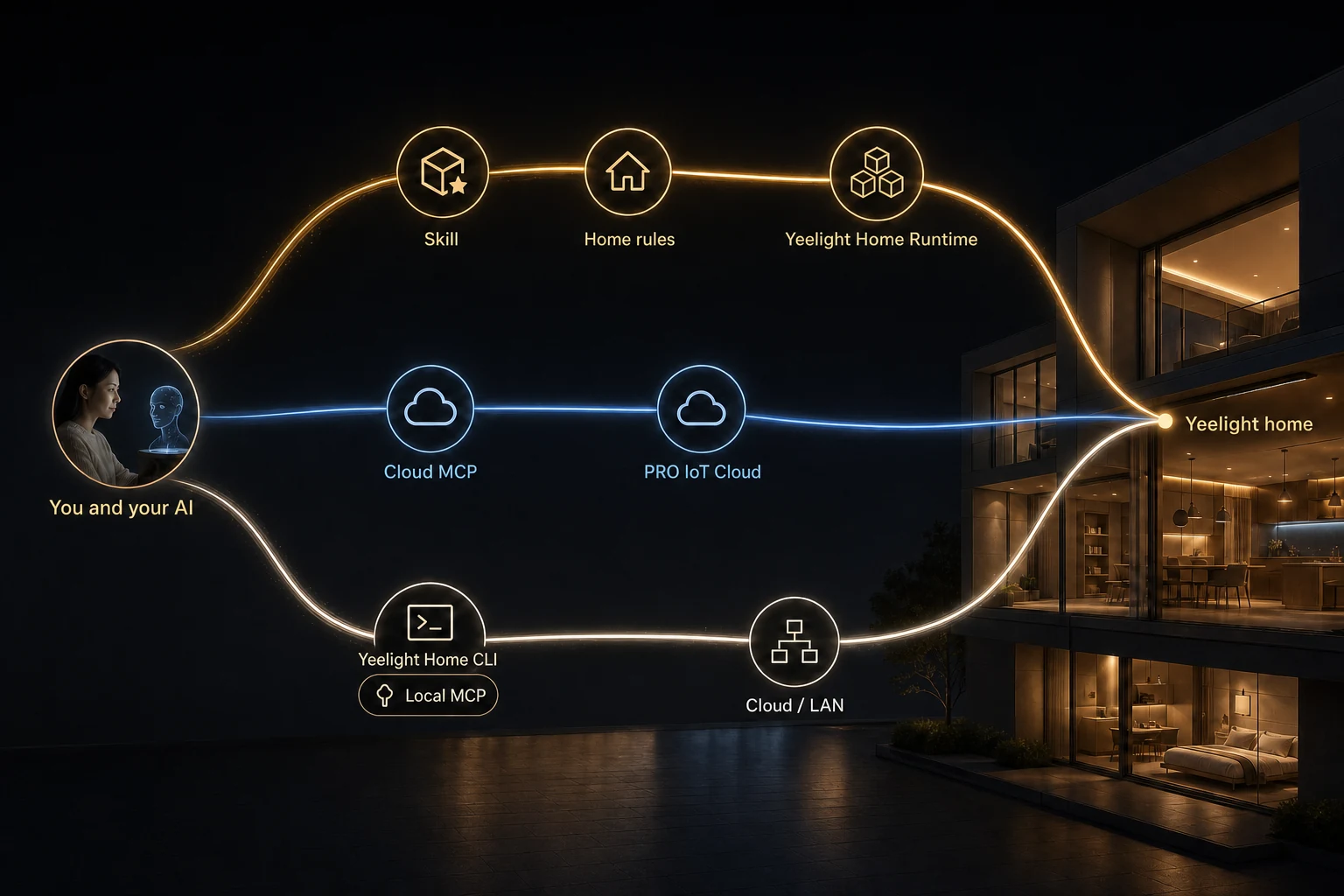
Skill provides home rules and lighting expertise, MCP provides a standard cloud connection, and Yeelight Home provides local setup and execution. Choose the path that fits each situation.

How CLI, Skill, and MCP connect AI to a Yeelight home
Three independent paths, all serving the same real home.
  1. 01
    CLI Yeelight Home

    The Yeelight foundation installed on your computer. It signs in, remembers the home, and performs checked work for you or an AI.

    Official concept references
  2. 02
    Skill Yeelight Smart Home

    A Yeelight playbook for AI, with home rules, lighting knowledge, safe steps, and best practices.

    Official concept references
  3. 03
    MCP Yeelight MCP

    A standard cloud connection for MCP-only AI clients, covering home understanding, management, live state, and control in one setup.

    Official concept references
  1. Most people You -> AI + Skill -> Yeelight Home -> home
  2. MCP-only client You -> AI -> Yeelight MCP -> PRO IoT cloud -> home
  3. Experts, scripts, support You or a script -> Yeelight Home -> home

Start with your real need

Choose the question closest to daily life and get one clear path without learning product names first.

Three options, each with a clear fit

Full intelligence, a standard cloud connection, and local control serve different needs. Compare who each option is for and what it does; you only choose a route once, above.

  1. For people who want AI to understand home rules Yeelight Smart Home

    Your AI understands Yeelight home rules, lighting, scenes, and automations, not just on and off.

    Recommended for most people Open the Yeelight Smart Home guide
  2. For AI clients that only support MCP Yeelight MCP

    Connect to Yeelight PRO cloud capabilities once for home understanding, management, and live control.

  3. For experts, scripts, and local-first use Yeelight Home

    Choose homes, rooms, devices, and scenes by name, through Cloud or the home gateway LAN.

Light is learning daily life

Three concept previews show the direction of Yeelight AI. They remain clearly labeled until approved internal media is available.

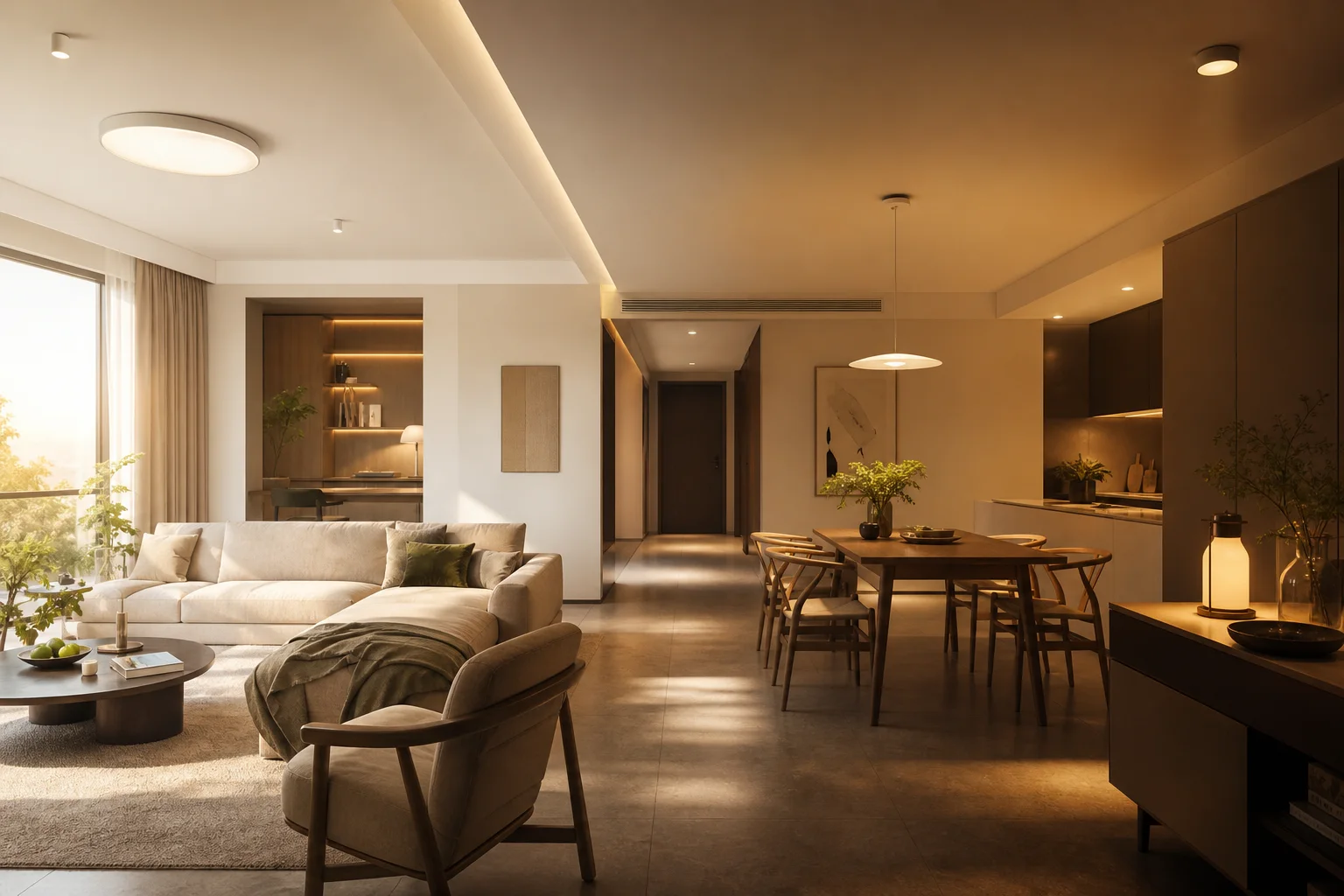
Concept preview: Adaptive rhythm - Light builds an editable day plan from the room, time, and daily rhythm. Concept preview

Adaptive rhythm

Light builds an editable day plan from the room, time, and daily rhythm.

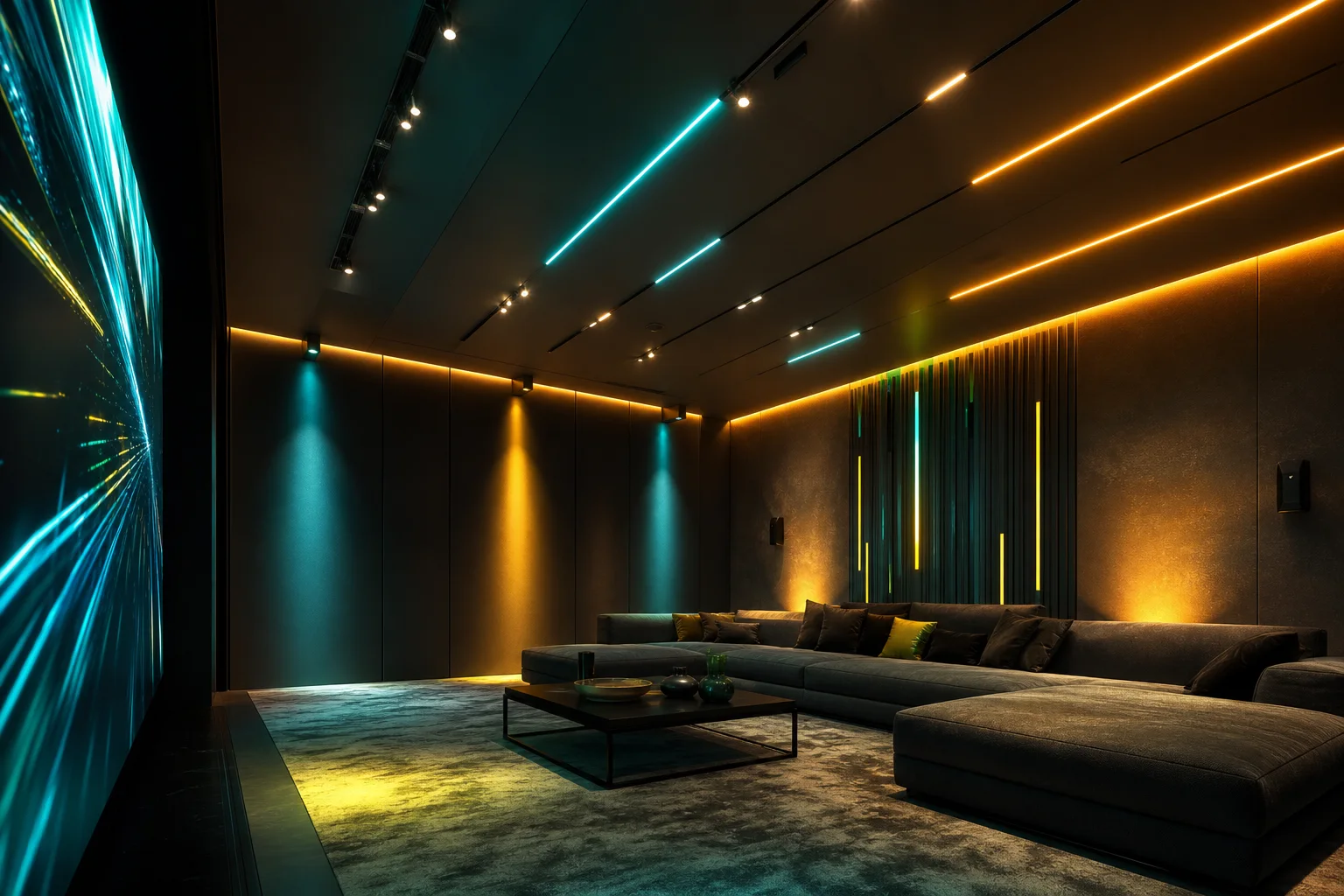
Concept preview: Light Play - Real lights join the game with color, timing, and responsive cues. Concept preview

Light Play

Real lights join the game with color, timing, and responsive cues.

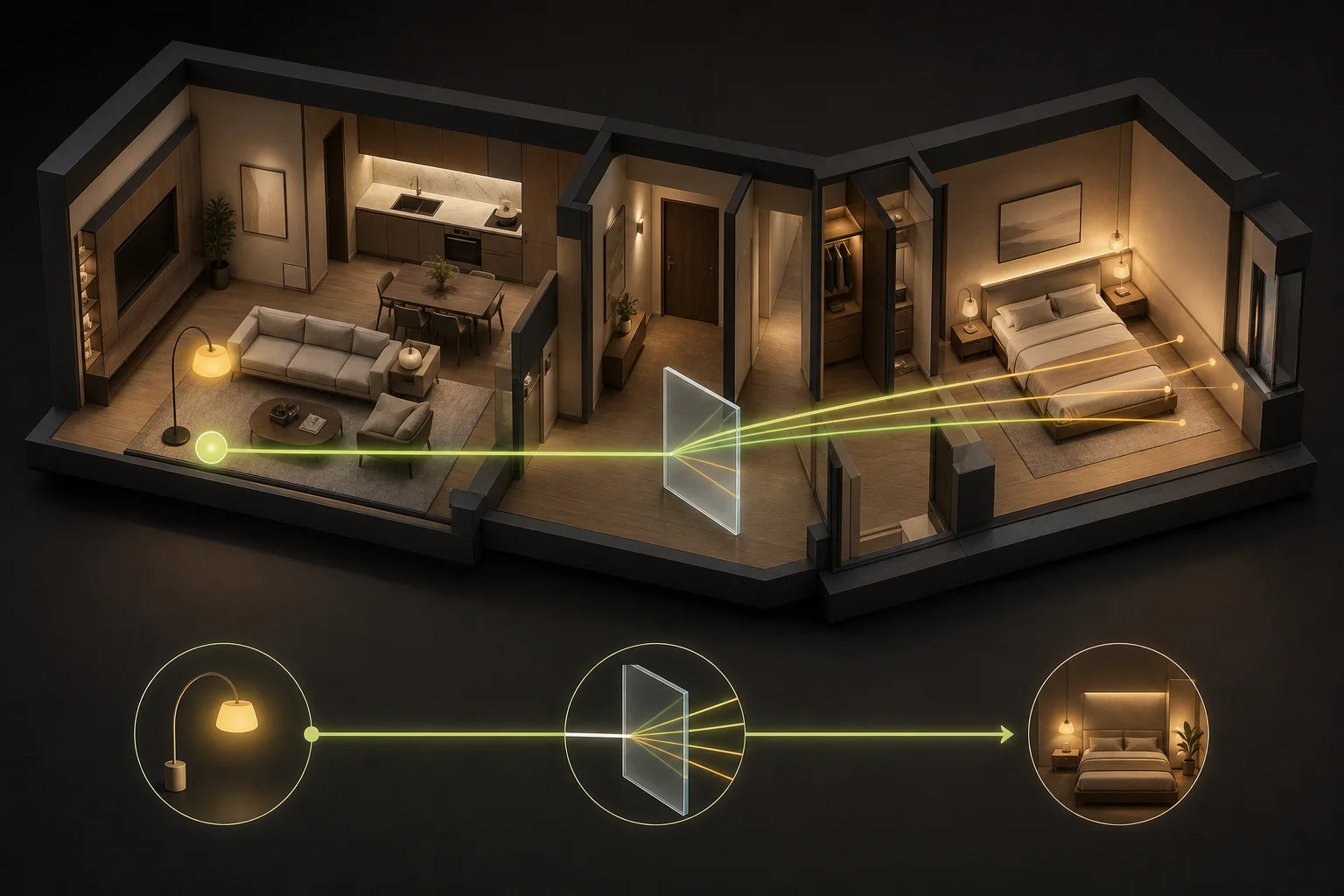
Concept preview: Yeelight HomeMind - An everyday request becomes a clear preview, confirmation, and observable result. Concept preview

Yeelight HomeMind

An everyday request becomes a clear preview, confirmation, and observable result.

Keep exploring with the community

Get practical setup help, exchange ideas, and follow what is next for Yeelight AI.

WhatsApp

Yeelight AI Community

Meet other Yeelight AI users and get help with your setup.

Scan with WhatsApp or open the group directly.
WhatsApp

Yeelight AI Community

QR code for the Yeelight AI Community on WhatsApp

Scan with WhatsApp or open the group directly.